Minecraft / Practical guide
Minecraft Java vs Bedrock: Choose the Edition Your Friends Play
Two friends can both own Minecraft and still be unable to join the same world. The edition, device and server matter more than the word Minecraft on the launcher.
ALVIRAN Editorial · Reviewed 2026-10-10
In this guide
1. Ask one specific question: Java or Bedrock?
“We play Minecraft” is not enough information to choose an edition. Ask which edition your group launches and where its world is hosted. If there is a modpack, ask for its name and version as well. That gives you a concrete target instead of a vague preference for the supposedly better edition.
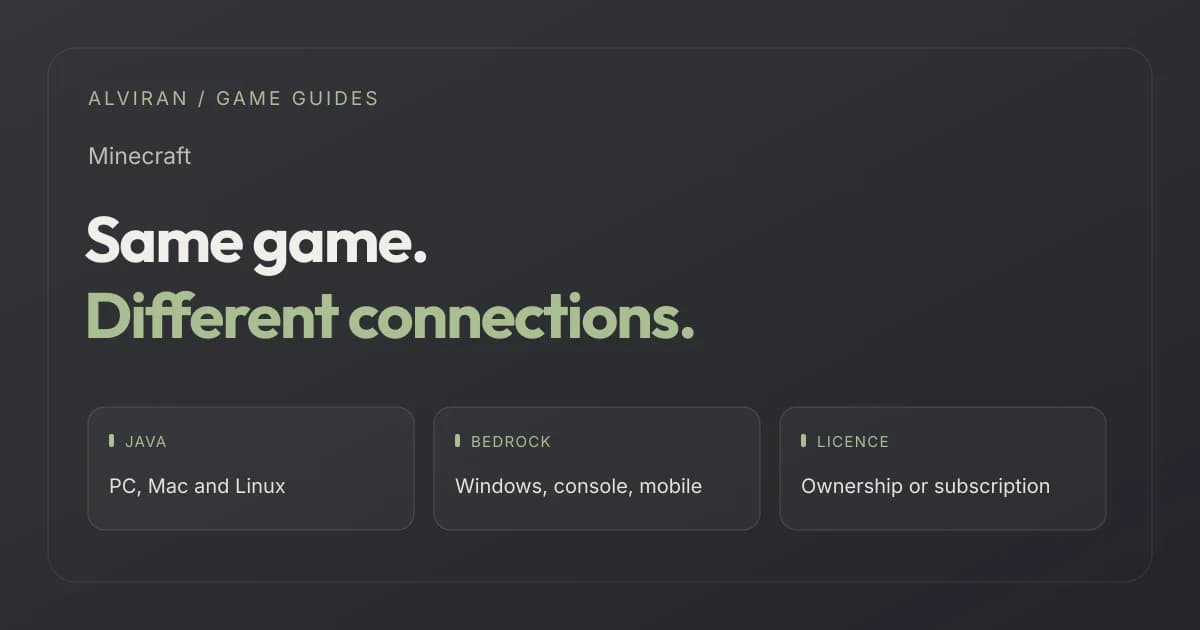
Mojang's edition comparison explains that Java and Bedrock use separate multiplayer environments. Ordinary Java and Bedrock sessions do not become compatible merely because the participants have Microsoft accounts. A server may advertise a particular compatibility setup, but that is something to verify with that server rather than assume for every world.
The most useful first check is therefore social: identify the exact world you intend to join. You can admire another edition's features later. Choosing the one that connects you to your group prevents a technically valid purchase or account from being the wrong practical fit.
2. Compare the editions against your actual device
| Your situation | Edition to check first | Confirm before deciding |
|---|---|---|
| Friends use a Java server or Java modpack | Java Edition | Server version, modpack and computer requirements |
| Friends play on supported consoles or phones | Bedrock Edition | Exact devices, versions and multiplayer permissions |
| You use macOS or Linux | Java Edition | Launcher, ownership and server compatibility |
| You use a Windows computer | Either edition, depending on your group | Which version the invitation actually targets |
| You want a private hosted world | The matching Realms product | Java or Bedrock, subscription and invited players |
| You want Marketplace packs | Bedrock Edition | The exact pack and whether access is owned or subscribed |
The device and edition information above follows the official PC product page and Realms comparison. Do not read “cross-platform” as permission to mix all devices, editions and subscriptions in one session.
3. Understand what the Java & Bedrock PC bundle includes
Minecraft's PC bundle announcement brought Java and Bedrock together in one PC purchase. On a Windows machine, having both lets you choose the matching edition for different groups. It does not merge their worlds, servers or settings.
Keep the word PC in the comparison. If you intend to play on another device, check that device's store and entitlement rather than assuming a computer purchase covers it. Likewise, a listing that merely says “Java” has not established what is available in the launcher for that particular Microsoft account.
A useful account description names the edition access it has checked. “Java confirmed; Bedrock not established” is more informative than an unqualified “full Minecraft”. The unresolved part should remain visible until it has been verified.
4. Separate owned access from a subscription
The launcher can help establish which game versions are available. Minecraft's ownership check describes checking Java and Bedrock individually in the launcher or Microsoft Store. Sign in with the relevant Microsoft account, rather than trusting an installation left on a shared computer.
Then establish why the account has access. Minecraft is also available through Game Pass for PC. A subscription and a direct game purchase are different bases of access. Our comparison rule is simple: a Play button should not be used on its own as evidence of an independently purchased licence.
When assessing a listing, distinguish an explicitly checked game entitlement from an unspecified subscription. Ask for the basis and current status, without requesting that someone publish personal billing details. If a licence field is absent, mark it unresolved instead of inferring ownership from play history or a character's appearance.
5. Your chosen server has its own requirements
After checking the edition, read the server's joining instructions. Record the game version, any required mod loader, the modpack if applicable, and whether the server uses an allowlist or other entry conditions. For a private group, ask the host for those details before changing your installation.
Consider a hypothetical invitation to a Java modpack world. “I have Minecraft on Windows” still leaves questions unanswered: which edition, which game version and which installed pack? Checking those three fields is usually a better first step than cycling through unrelated account settings.
The same principle applies to existing server progress. A level, unlocked feature or collection on one named server is not a general Minecraft statistic. Make sure it belongs to the server you plan to use, and check that server's current access status. An attractive progress number on a different server may be irrelevant to your actual sessions.
This guide does not recommend bypassing a server restriction with another account. When a restriction affects your own access, the appropriate source is that server's official rules and support process.
6. Realms, Marketplace and the game are separate checks
The official Realms page distinguishes Realms for Java from the Bedrock options. Choose a hosted world for the edition your group actually uses. A Realms subscription is not evidence that an unrelated server or another edition's world is included.
Marketplace access also deserves its own label. The Marketplace Pass FAQ describes a subscription to a catalogue of Bedrock content, with different treatment for content leaving that catalogue. It is not the same thing as owning every pack displayed while the subscription is active.
In a comparison, separate the base game, hosted-world subscription, directly acquired packs and subscription catalogue. That prevents a single word such as “Deluxe” or “complete” from doing the work of four different checks. If a named world or pack is central to your decision, establish the exact product instead of relying on a launcher screenshot.
7. Use a five-minute compatibility brief
Write a short brief before you compare accounts: “Windows, Bedrock, joining these friends” or “macOS, Java, this particular server”. Add your preference for game ownership versus subscription access. These small details remove most of the ambiguity from the first conversation.
- Identify your device and operating system.
- Confirm your friends' edition and the intended world or server.
- Check the available edition in the relevant account's launcher.
- Establish the basis of game access.
- List server, Realms or Marketplace requirements separately.
For example, a profile highlighting many cosmetic features is a weak fit for someone whose only requirement is a specific Java server if the edition and server access remain unclear. A less elaborate profile with those facts established answers that brief more directly. This is a hypothetical comparison, not a statement about current shop stock.
Use the Minecraft category to read the available edition and licence fields. Do not let an attractive cape, currency balance or server statistic replace your compatibility checks. Those features can be preferences after the basics fit.
Frequently asked questions
Can Java and Bedrock players join the same ordinary world?
Not directly. Their standard multiplayer environments are separate. If a particular server advertises cross-edition compatibility, verify its own joining instructions instead of assuming all worlds support it.
Does the PC bundle make Java and Bedrock the same game version?
No. It gives access to both PC editions through one purchase, but you still launch the appropriate edition for the server or friends you want to join.
Which edition should I check for Mac or Linux?
Java Edition. The PC product page lists Java for Windows, macOS and Linux, while its Bedrock PC version is for Windows.
Does a Play button prove a separately purchased licence?
It helps confirm current access, but establish the basis of that access too. Subscription access through Game Pass should not be described as a separately purchased game without supporting information.
Is Marketplace Pass the same as owning its content?
No. It is subscription access to a Bedrock catalogue. Check the specific pack and the subscription's current terms if you need continued access to that content.
Sources and editorial scope
Reviewed on 10 October 2026 against Minecraft's edition guide, PC product details, ownership instructions, Realms information and Marketplace Pass FAQ. The compatibility brief and examples are ALVIRAN editorial advice.
The Microsoft Services Agreement restricts transferring Microsoft account credentials to another user. Edition or licence checks do not override those terms or establish that an account transfer is authorised.