
Minecraft / Practical guide
How to Change Your Minecraft Username: Java Profile Name vs Bedrock Gamertag
Minecraft has no single username. Learn which name you change on Java, Bedrock, Nintendo Switch and PlayStation, where to change it, the 30-day limit on Java profile names, and why a name tells you little about an account.
ALVIRAN Editorial · Reviewed 2026-10-12
In this guide
Looking for a Minecraft account?
Compare edition, capes and extras on every listing. This guide explains how the names on an account work.
1. Which name you actually have
Mojang's profile name guide opens with the point that your in-game character name is associated with the version of Minecraft you play or the console you use. So there is no single name that applies everywhere.
| You play on | The name shown | Where you change it |
|---|---|---|
| Java Edition | Your Java profile name | Minecraft.net, under All Games, with your Microsoft account |
| Bedrock Edition with a Microsoft account | The gamertag of your Xbox/Microsoft account | Xbox.com, or the profile settings on an Xbox |
| Nintendo Switch | Your Nintendo account nickname | Nintendo Support, or your Switch profile page |
| PlayStation | Your PSN online ID | Sony's PSN online ID change |
2. Change your Java profile name
Open All Games on Minecraft.net
Sign in with your Microsoft account.
Choose Change Profile Name
It sits under Minecraft: Java Edition.
Enter the new name
Java profile names can be up to 16 characters.
Confirm
Select Change Your Profile Name to finalise the change.
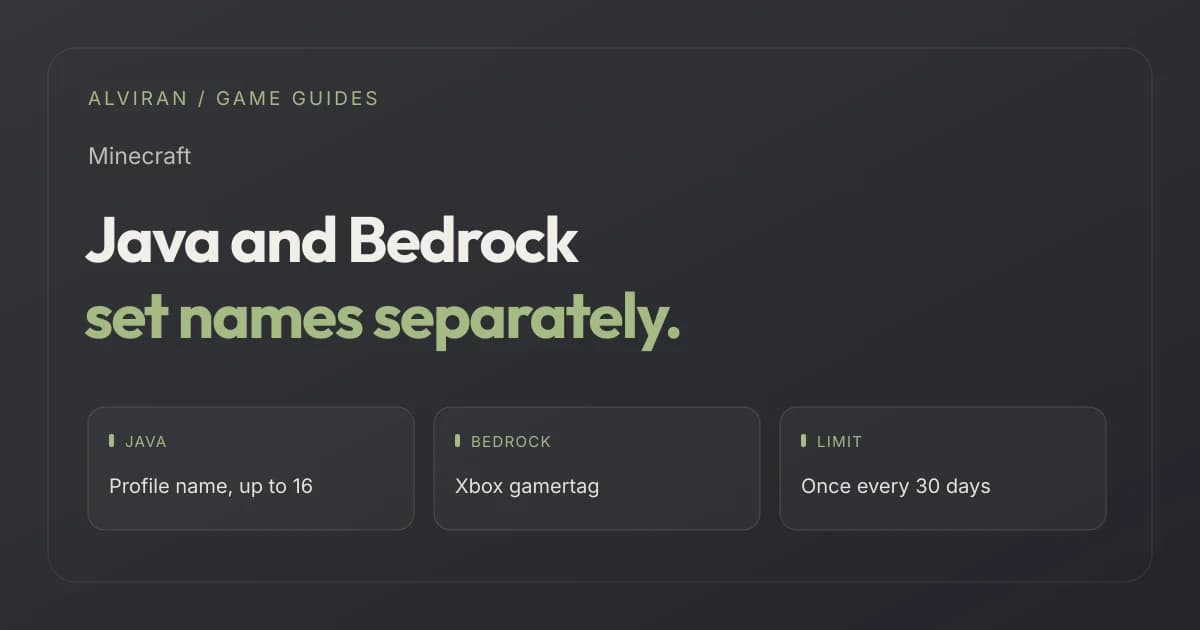
The 30-day limit. Mojang states that you can change your Java profile name once every 30 days. If you change your mind, you can go back to your old name after waiting 30 days.
3. Change your Bedrock gamertag
When you play Bedrock Edition with a Microsoft account, your in-game character name is the gamertag on your Xbox or Microsoft account. Mojang describes two routes.
| Route | Steps |
|---|---|
| Online | Visit Xbox.com and sign in with your Microsoft account. Select My Account to view your Xbox profile, then select the pencil icon next to your Gamertag. |
| On Xbox | Press the Xbox button and select Profile & system. Select your Xbox profile, then My profile, then Customize profile, and select your current gamertag. |
The Java profile name and the gamertag are separate, although Mojang notes they can be the same.
A name can change. Check what the account owns.
A Java profile name can change every 30 days. Judge a listing by its edition, capes and what it includes instead.
4. Switch and PlayStation
On Nintendo Switch the in-game name is your Nintendo account nickname. Mojang points to Nintendo Support to change it, or you can open your profile page on the Switch, go to the Profile tab and select the pencil icon next to your profile name.
On PlayStation, the in-game profile name is your PSN online ID. There is one twist. If you sign in to Minecraft with your Microsoft account on PlayStation, Mojang says your in-game profile name changes to your Xbox gamertag, and signing out of the Microsoft account reverts it to your PSN online ID.
5. What a name tells you about an account
| Detail | What it shows | What it does not show |
|---|---|---|
| Java profile name | The name on the day of the screenshot. | That it stays the same. It can change once every 30 days. |
| Gamertag | The Bedrock name tied to the Microsoft account. | Which edition the account owns. |
| Two different names | That Java and Bedrock names are set separately. | Anything wrong with the account. |
To see which editions the account really owns, use the launcher check in our guide to checking owned editions.
6. Five questions before you buy
- Which edition does the listing offer, Java, Bedrock or both?
- Which Microsoft account holds the licence, and can the listing show it in the launcher?
- What are the Java profile name and the gamertag, and are they different?
- Is the Java profile name one you would keep, given it can only be changed every 30 days?
- Which capes and extras does the listing name, and how are they shown?
7. Four mistakes people make
Searching for one username
Java, Bedrock, Switch and PlayStation each take their name from a different place.
Changing the gamertag for Java
The Java profile name is set on Minecraft.net, not on Xbox.
Expecting an instant second change
Java profile names change once every 30 days.
Judging an account by its name
A name can change. Look at the edition and what it includes.
Frequently asked questions
How do I change my Minecraft Java username?
Visit All Games on Minecraft.net, sign in with your Microsoft account, select Change Profile Name under Minecraft: Java Edition, enter the new name and confirm.
How often can I change my Java profile name?
Once every 30 days, according to Mojang. After a change, you can go back to your old name after waiting 30 days.
How long can a Java profile name be?
Up to 16 characters.
What is my name on Bedrock Edition?
With a Microsoft account, your in-game character name is the gamertag of your Xbox/Microsoft account.
Are my Java profile name and gamertag the same?
They are separate, although they can be the same.
Why did my PlayStation name change?
Mojang says that signing in with a Microsoft account changes your in-game profile name to your Xbox gamertag, and signing out reverts it to your PSN online ID.
Ready to choose a Minecraft account?
Match the edition you play first, then look at capes and extras. For the edition choice, read our Java vs Bedrock guide.
Sources and editorial scope
Reviewed on 12 October 2026 against Mojang's help article View or Change Your In-Game Profile Name in Minecraft. Mojang updates its help pages, so check the current text before you change a name. The checklist is ALVIRAN editorial advice.
Mojang says buying or selling accounts goes against its Terms of Service, that it cannot provide support for licenses bought from resellers or third-party sites, and that buying from a third-party seller does not make you the legitimate owner of a Minecraft license or account. The Microsoft Services Agreement restricts transferring account credentials. A check does not override those terms.