



Rainbow Six Siege / Practical guide
R6 Elite Skins: What to Check in an Operator Bundle
Choose the operator you enjoy playing first. Then inspect the bundle, rather than assuming every Elite set includes the same extras.
In this guide
Look at the whole bundle
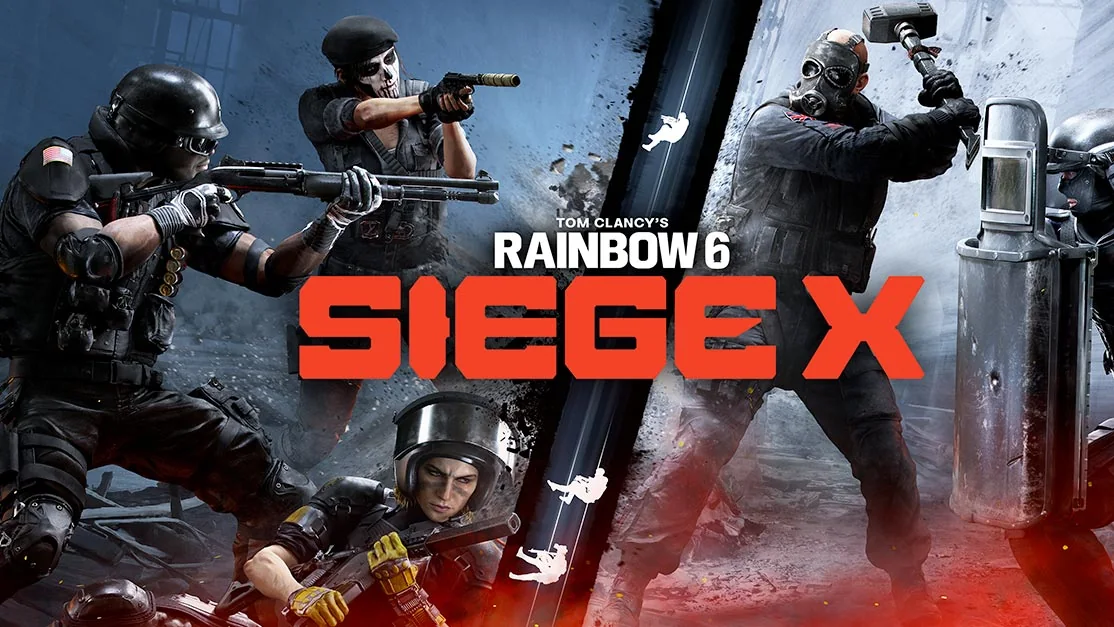
An Elite choice is more than the uniform thumbnail. Check the operator appearance, included weapon finishes, gadget treatment and presentation elements individually. If the store offers an animation preview, watch it before deciding whether it fits your taste.
The most useful comparison is between sets for operators you actually use. A cosmetic on an operator you rarely select can add to a collection without improving your day-to-day enjoyment. Keep the visual choice separate from competitive performance.
| Bundle element | Question before choosing |
|---|---|
| Operator appearance | Is this the operator and version I want? |
| Weapon finishes | Are my used weapons included? |
| Presentation | Do I like the animation and details? |
| Price | What does the current checkout show? |
A historical example shows why details matter
Ubisoft’s Burnt Horizon announcement described Hibana’s Onkochishin Elite with specific weapon cosmetics and an X-Kairos gadget treatment. It is a useful example of an itemized bundle, not a rule for every later Elite release.
Use that same reading habit for the current set you want: identify each included item by name. Do not copy a years-old credit price into a current comparison. Discounts, offers and the actual store listing need to be checked at the time of purchase.
Verify ownership without inflating the collection
For a collection review, list each owned Elite set under its operator. A weapon finish from another bundle does not prove ownership of the full Elite set. A promotional screenshot does not establish access to every element shown.
After a legitimate purchase, inspect the corresponding customization screens. If something is missing, record the set name, receipt and active account before contacting Ubisoft. A clear item report is more useful than a total count with no operator names.
Frequently asked questions
Is this a complete list of every current Elite skin?
No. This guide explains how to compare bundles; use the live in-game catalog for current availability.
Should I rely on an old Elite price?
No. Check the exact current store listing and purchase confirmation.
Official sources and review notes
- Ubisoft: Elite set introduction (2016)
- Ubisoft: Hibana Elite bundle example (historical)
- Ubisoft Help: content, rewards and streamer charms
Reviewed against the sources linked above. For changing availability, use the current game client and official updates.