
Minecraft / Practical guide
Mojang Account Migration in 2026: Can You Still Migrate, and What Can You Do Now
Mojang moved Java Edition from Mojang accounts to Microsoft accounts between 2020 and 2023. Here are the official dates, what happened to accounts that never moved, and what is still possible today.
ALVIRAN Editorial · Reviewed 2026-10-18
In this guide
Minecraft accounts with the Migrator cape
Every listing shows its capes, editions and Java profile before checkout.
- Access
- Full Access
- Delivery
- Instant
- Guarantee
- 30 days
Mojang account migration timeline, 2020 to 2023
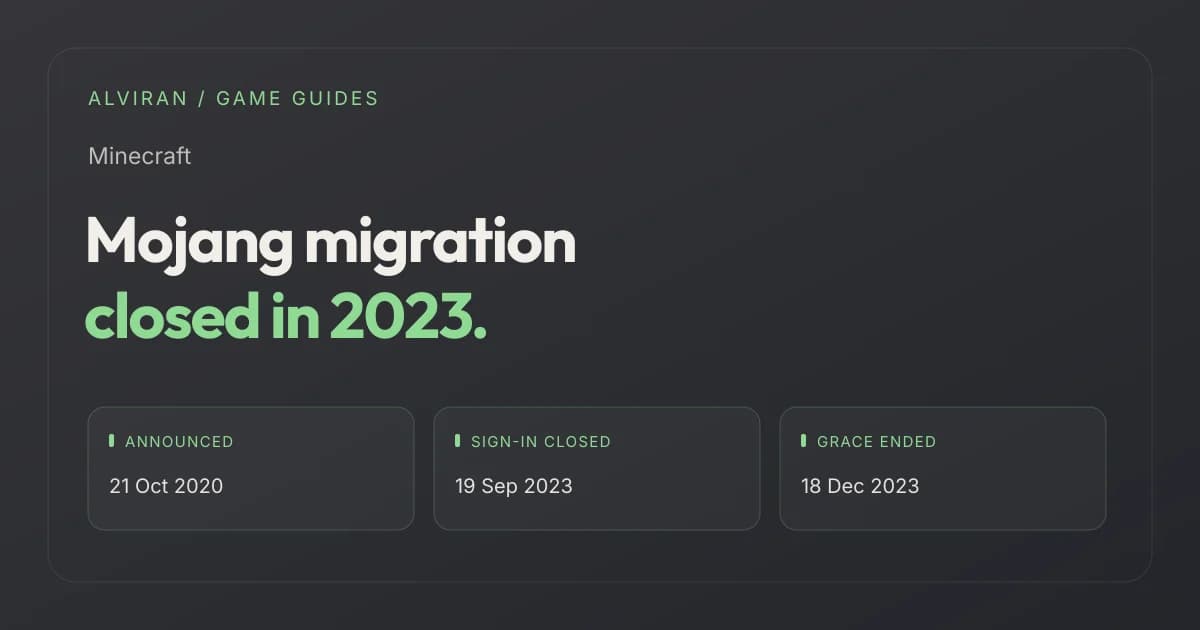
Mojang announced the move on 21 October 2020 in Java Edition is moving house. It said migration was mandatory, that players who did not move would eventually be unable to log in, and that moved players would get a cape. The rest of the timeline comes from Mojang's later notices and its help center.
| Date | What happened | Source |
|---|---|---|
| 21 Oct 2020 | Migration announced. New Java players create Microsoft accounts from that autumn; existing players to move in batches from early 2021, invited by email. | minecraft.net |
| 2021 | Batches of players move. Mojang later wrote that millions of Java players switched over the course of 2021. | minecraft.net |
| 4 Feb 2022 | Last call for voluntary migration. From 10 March 2022 Java Edition can only be played after moving to a Microsoft account. The cape is still granted to those who move later. | minecraft.net |
| 7 Jun 2022 | Java and Bedrock released as one PC bundle. Players who migrated should have access to both. | help.minecraft.net |
| 8 May 2023 | Final notice: from 19 September 2023, 11:00 EST / 17:00 CEST, unmigrated accounts can no longer sign in to minecraft.net or the Launcher to migrate, and Support stops handling migration tickets. | minecraft.net |
| 19 Sep 2023 | Mojang updates the notice: migration is complete and unmigrated accounts can no longer migrate. | minecraft.net |
| 18 Dec 2023 | The migration grace period ends. Mojang's help center says the process officially ended on this date. | help.minecraft.net |
Two end dates, both official. The minecraft.net notice gives 19 September 2023 as the day sign-in for migration closed. The help center article, updated later, says the grace period concluded on 18 December 2023. Either way, there is no route back in 2026.
Can you still migrate a Mojang account in 2026?
No. Mojang's help article Information about Mojang Accounts and Microsoft Account Migration states that the migration process officially ended on 18 December 2023 and that Minecraft Support will no longer assist with migration-related queries. No form, ticket or code reopens it.
The article's advice for anyone who missed it is to buy Minecraft again: Java Edition and Bedrock Edition are sold together as one product for PC. Other platforms each have their own edition and store, listed in Mojang's editions overview.
What happened to unmigrated Java accounts
An unmigrated Mojang account cannot sign in to Minecraft any more. What you made with it is split between things on your computer, which survive, and things tied to the account, which do not.
| Item | Status in 2026 | What Mojang says |
|---|---|---|
| Java license on the Mojang account | Lost | You cannot play until you buy Java Edition on a Microsoft account. |
| Single-player worlds on your drive | Kept | The files stay on your computer and open once you own Java on a Microsoft account. |
| Multiplayer worlds and servers | Start over | A new account joins as a new player at the default spawn with no items. You can walk to an old base and take what you stored there. |
| Capes | Lost | Capes tied to the old account are not recoverable. |
| Skins | Lost | Skins tied to the old account are not recoverable. |
| Username | Not reserved | You create a new name. Your old name may or may not be available. |
A Java profile name can be up to 16 characters and changed once every 30 days on minecraft.net, according to Mojang's profile name article. If your old name is free, a new account can claim it. If someone else took it, it is gone.
Minecraft accounts with five or more capes
Capes from an unmigrated account are gone for good, and these listings show each cape they carry by name.
- Access
- Full Access
- Delivery
- Instant
- Guarantee
- 30 days
What migration gave the accounts that moved
Players who moved kept their username, progress, creations and skins, and the move itself added several things. Mojang listed them in its announcement and in the 2023 last call.
Microsoft account security
Two-factor authentication, improved parental controls, and chat and invite blocking.
One account for every game
All Minecraft games on PC sit on the same Microsoft account.
A free cape
Mojang's reward for moving, which cape lists call the Migrator cape. The only way to earn it was to migrate.
Bedrock for Windows
Mojang says Mojang account holders automatically got Bedrock Edition for Windows when they migrated.
The cape is now a quiet marker of an account that existed as a Mojang account and moved before the deadline. It says nothing about rarity on its own, since every Java player who migrated got one. Our cape guide covers which capes are rare and which you can still get.
Java vs Bedrock entitlement after migration
Since 7 June 2022 Java Edition and Bedrock Edition for PC are one bundle, and Mojang says players who own the bundle or migrated from a Mojang account should have access to both on PC. Both PC editions now need a Microsoft account.
| Edition and platform | Accounts required |
|---|---|
| Java Edition on Windows, macOS, Linux | Microsoft account |
| Bedrock Edition on Windows PC | Microsoft account |
| Bedrock on Xbox One, Xbox Series X|S | Microsoft account |
| Bedrock on PlayStation 4/5 | Microsoft account and PlayStation Network account |
| Bedrock on Nintendo Switch, Switch 2 | Microsoft account and Nintendo account |
| Bedrock on Android, iOS | Microsoft account plus a Google account or Apple ID |
The console and mobile versions are separate purchases on their own stores. The PC bundle covers Java and Bedrock on PC only. The differences that matter for an account, such as servers, mods and Marketplace items, are in our Java vs Bedrock account guide.
How to check which edition and profile an account has
1. Minecraft Launcher
Sign in with the Microsoft account, then select Java Edition or Bedrock Edition on the left. Play or Install means you own it; Buy Now means you do not.
2. Microsoft Store
Open the Java & Bedrock Edition for PC page while signed in and choose an edition. Owned editions show You Own This.
3. Order history
Your Microsoft account's order history lists the Minecraft games bought on it, and purchase confirmations go to that account's email address.
4. Java profile name
Sign in at minecraft.net and open All Games; the Java Edition section is where the profile name is managed. In Java, your in-game name is this profile name, not your Xbox gamertag.
5. Capes
Event and promotional capes appear first in the Bedrock Dressing Room and are then activated for Java under Skins, so check both.
Steps 1 and 2 come from Mojang's Find Out Which PC Editions You Own article, step 3 from its sign-in troubleshooting page, step 4 from the profile name article and step 5 from Activate Promotional Capes. Our edition check guide walks through the cases where the Launcher shows something unexpected.
What you can still do in 2026
- Buy Java again. Minecraft: Java Edition is sold only as part of the Java & Bedrock bundle; Mojang's buying guide lists the steps, starting from the minecraft.net store page and the Microsoft account you will play on.
- Keep your worlds. Single-player worlds on your drive still load once Java is owned on a Microsoft account, so do not delete the old game folder.
- Check that you really did not migrate. If you moved before 2023, the game lives on the Microsoft account you moved to. Sign in to the Launcher with that account; Mojang's sign-in help links to Microsoft's Sign-in Helper and account recovery form if you cannot get in.
- Claim your old name. If the name is free, set it on the new profile. Profile names change once every 30 days.
- Do not chase the migration cape. It went to migrated accounts only, and the program is over.
Be wary of “migration services”. Mojang says migration ended and Support no longer handles it, so anyone offering to migrate an old Mojang account in 2026 is offering something the official process no longer allows.
Frequently asked questions
Can I still migrate my Mojang account in 2026?
No. Unmigrated Mojang accounts could no longer sign in to migrate from 19 September 2023, and Mojang's help center says the grace period ended on 18 December 2023. Support no longer helps with migration.
What happens if I never migrated my Minecraft account?
The Mojang account can no longer be used to play. Capes, skins and the license on it are not recoverable, but single-player worlds on your computer open again after you buy Java Edition on a Microsoft account.
Can I get my old Minecraft username back?
Only if it is still free. Mojang says your previous username may or may not be available. Java profile names can be up to 16 characters and changed once every 30 days.
Do I get the Migrator cape if I buy Minecraft now?
No. The cape was Mojang's reward for moving a Mojang account to a Microsoft account, and migration closed in 2023.
Did migrated accounts get Bedrock Edition?
Yes. Mojang said Mojang account holders got Bedrock Edition for Windows when they migrated, and its help center says migrated players should have access to both PC editions.
Is the Java and Bedrock bundle one purchase?
Yes. Since 7 June 2022 Minecraft: Java & Bedrock Edition for PC is one product, bought with a Microsoft account.
Will Minecraft Support restore an unmigrated account?
No. Mojang's help article says Minecraft Support will no longer assist with migration-related queries.
Pick a Minecraft account that moved in time
Search for the Migrator cape or browse every listing with its capes, editions and profile shown up front.
- Access
- Full Access
- Delivery
- Instant
- Guarantee
- 30 days
Sources and editorial scope
Reviewed on 18 October 2026. Announcement and cape: Java Edition is moving house, 21 October 2020. March 2022 requirement: Last call to voluntarily migrate Java accounts, 4 February 2022. Final deadline, Bedrock bonus and completion: Mojang Account migration last call, 8 May 2023, updated 19 September 2023. End of the grace period and what was lost: Information about Mojang Accounts and Microsoft Account Migration. Accounts per platform: Accounts Required to Play Minecraft. Editions owned and the 2022 bundle: Find Out Which PC Editions of Minecraft You Own. Profile names: View or Change Your In-Game Profile Name. Buying Java: Buying Minecraft: Java Edition with a Microsoft Account. Sign-in help and ownership checks: Get Help Signing into Minecraft and Troubleshooting Minecraft Sign-in Issues. Capes on Java: Activate Promotional Capes. The name “Migrator cape” is the name used in cape lists; Mojang calls it a special or free cape.
Mojang says buying or selling accounts goes against its Terms of Service, that it cannot provide support for licenses bought from resellers or third-party sites, and that buying from a third-party seller does not make you the legitimate owner of a Minecraft license or account. The Microsoft Services Agreement restricts transferring account credentials. A check does not override those terms.